
基于 IsaacLab 的强化学习训练#
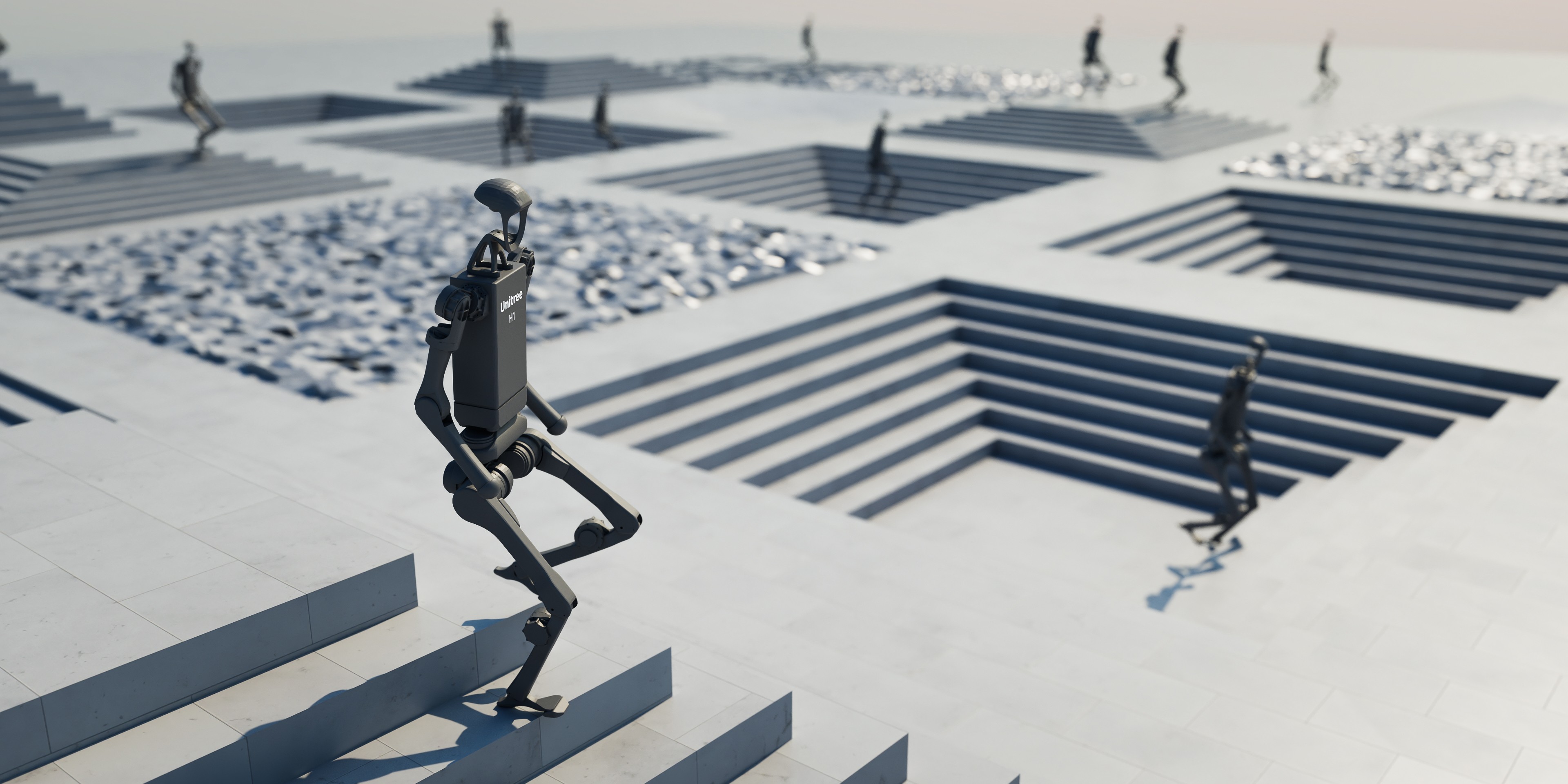
IsaacLab 是 NVIDIA 的 GPU 加速机器人学习仿真器。 你将使用 RLinf 在自定义 Franka 方块堆叠任务上,通过 PPO 微调 GR00T N1.5 或 OpenPI π₀.₅。
概览#
先使用 SFT 检查点,再通过 PPO 在 IsaacLab Franka stack-cube 任务上微调 VLA。
GR00T N1.5 · π₀.₅
PPO
Franka stack-cube
1 节点 · 8 GPUs
run_embodiment.sh → 观察 env/success_once。任务#
任务 |
描述 |
|---|---|
|
将红色方块堆到蓝色方块上,再将绿色方块堆到红色方块上。 |
观测与动作#
字段 |
规格 |
|---|---|
观测 |
第三人称相机和腕部相机 RGB(默认 256×256),以及机器人本体状态。 |
动作 |
7 维连续动作:3D 位置(x, y, z)+ 3D 旋转(roll, pitch, yaw)+ 夹爪。 |
奖励 |
稀疏 0/1 成功奖励。 |
提示词 |
|
安装#
首先,克隆 RLinf 仓库:
# 为提高国内下载速度,可以使用镜像:
# git clone https://ghfast.top/github.com/RLinf/RLinf.git
git clone https://github.com/RLinf/RLinf.git
cd RLinf
然后,使用下列两种方式之一准备依赖:预构建的 Docker 镜像(推荐)或自定义环境。
通用的安装流程(前置依赖、GPU 驱动、镜像内置的 switch_env 工具、镜像加速、常见问题排查)
在 安装说明 中统一说明;本方案中的命令仅在 Docker
镜像标签和 --env 取值上有所不同。
Docker 镜像
docker run -it --rm --gpus all \
   --shm-size 32g \
   --network host \
   --name rlinf \
   -v .:/workspace/RLinf \
   rlinf/rlinf:agentic-rlinf0.3-isaaclab

# 国内用户可使用:
# docker.1ms.run/rlinf/rlinf:agentic-rlinf0.3-isaaclab
在镜像中切换到对应的虚拟环境:
# GR00T N1.5
source switch_env gr00t

# OpenPI π₀.₅
# source switch_env openpi
自定义环境
为你要运行的模型安装环境:
# 国内用户可添加 --use-mirror。

# GR00T N1.5
bash requirements/install.sh embodied --model gr00t --env isaaclab
source .venv/bin/activate

# OpenPI π₀.₅
# bash requirements/install.sh embodied --model openpi --env isaaclab
# source .venv/bin/activate
下载 Isaac Sim#
下载 Isaac Sim 5.1.0 并初始化其 shell 环境:
mkdir -p isaac_sim
cd isaac_sim
wget https://download.isaacsim.omniverse.nvidia.com/isaac-sim-standalone-5.1.0-linux-x86_64.zip
unzip isaac-sim-standalone-5.1.0-linux-x86_64.zip
rm isaac-sim-standalone-5.1.0-linux-x86_64.zip
source ./setup_conda_env.sh
警告
每次在新终端中启动 IsaacLab 前,都需要运行 source ./setup_conda_env.sh。
下载模型#
下载你要微调的模型检查点。
GR00T N1.5
cd /path/to/save/model

git lfs install
git clone https://huggingface.co/RLinf/RLinf-Gr00t-SFT-Stack-cube

# 或使用 huggingface-hub:
# export HF_ENDPOINT=https://hf-mirror.com
pip install huggingface-hub
hf download RLinf/RLinf-Gr00t-SFT-Stack-cube --local-dir RLinf-Gr00t-SFT-Stack-cube
OpenPI π₀.₅
cd /path/to/save/model

git lfs install
git clone https://huggingface.co/YifWRobotics/RLinf-pi05-SFT-Stack-cube

# 或使用 huggingface-hub:
# export HF_ENDPOINT=https://hf-mirror.com
pip install huggingface-hub
hf download YifWRobotics/RLinf-pi05-SFT-Stack-cube --local-dir RLinf-pi05-SFT-Stack-cube
下载完成后,在配置 YAML 中指向该检查点——为 rollout 与 actor 两处模型设置相同的路径:
rollout:
   model:
      model_path: /path/to/downloaded-checkpoint
actor:
   model:
      model_path: /path/to/downloaded-checkpoint
这些 SFT 检查点来自 IsaacLab stack-cube 任务的人类演示数据。
数据集已发布在  IsaacLab-Stack-Cube-Data。
运行#
选择一个配置并启动训练:
模型 |
配置 |
命令后缀 |
|---|---|---|
GR00T N1.5 |
|
|
OpenPI π₀.₅ |
|
|
# GR00T N1.5
bash examples/embodiment/run_embodiment.sh isaaclab_franka_stack_cube_ppo_gr00t

# OpenPI π₀.₅
bash examples/embodiment/run_embodiment.sh isaaclab_franka_stack_cube_ppo_openpi_pi05
这条命令会:
使用选定的 Hydra 配置启动 embodied 训练入口。
为 actor、rollout 和 IsaacLab env 组件创建 Ray worker。
运行 PPO rollout,计算稀疏任务奖励,并更新 VLA 策略。
独立评测请使用统一的 Evaluation CLI,
通过配置回退机制复用相同后缀:isaaclab_franka_stack_cube_ppo_gr00t 和
isaaclab_franka_stack_cube_ppo_openpi_pi05。
备注
GR00T 默认配置会分离 env、rollout 和 actor placement。OpenPI 默认配置使用
actor,env,rollout: all 共置。请根据 GPU 显存预算调整
cluster.component_placement、rollout.pipeline_stage_num 和
actor.enable_offload。
备注
如需添加自定义 IsaacLab 任务,请在 rlinf/envs/isaaclab/tasks/ 下实现任务,
在 rlinf/envs/isaaclab/__init__.py 中注册任务,然后在
examples/embodiment/config/env/isaaclab_stack_cube.yaml 等环境配置中,将
init_params.id 指向新的 task id。
可视化与结果#
在 RLinf 仓库根目录启动 TensorBoard:
tensorboard --logdir ../results --port 6006
关键指标是 env/success_once。完整指标说明见
训练指标。
如需保存 rollout 视频,请在环境配置中启用 video:
video_cfg:
  save_video: True
  info_on_video: True
  video_base_dir: ${runner.logger.log_path}/video/train
如需启用 W&B 或 SwanLab,请添加 logger backend:
runner:
  logger:
    logger_backends: ["tensorboard", "wandb"]  # or swanlab
模型阶段 |
成功率 |
|---|---|
GR00T N1.5 基础模型(无 SFT) |
0.000 |
GR00T N1.5 SFT 模型 |
0.654 |
GR00T N1.5 RL 微调模型(SFT + RL) |
0.897 |
OpenPI π₀.₅ SFT 模型 |
0.859 |
OpenPI π₀.₅ RL 微调模型(SFT + RL) |
0.953 |
致谢#
感谢 许明辉 和 杨楠 对 GR00T N1.5 示例的贡献与支持,也感谢 Yifan Wu 对 OpenPI π₀.₅ 示例的贡献与支持。