
RL with IsaacLab#
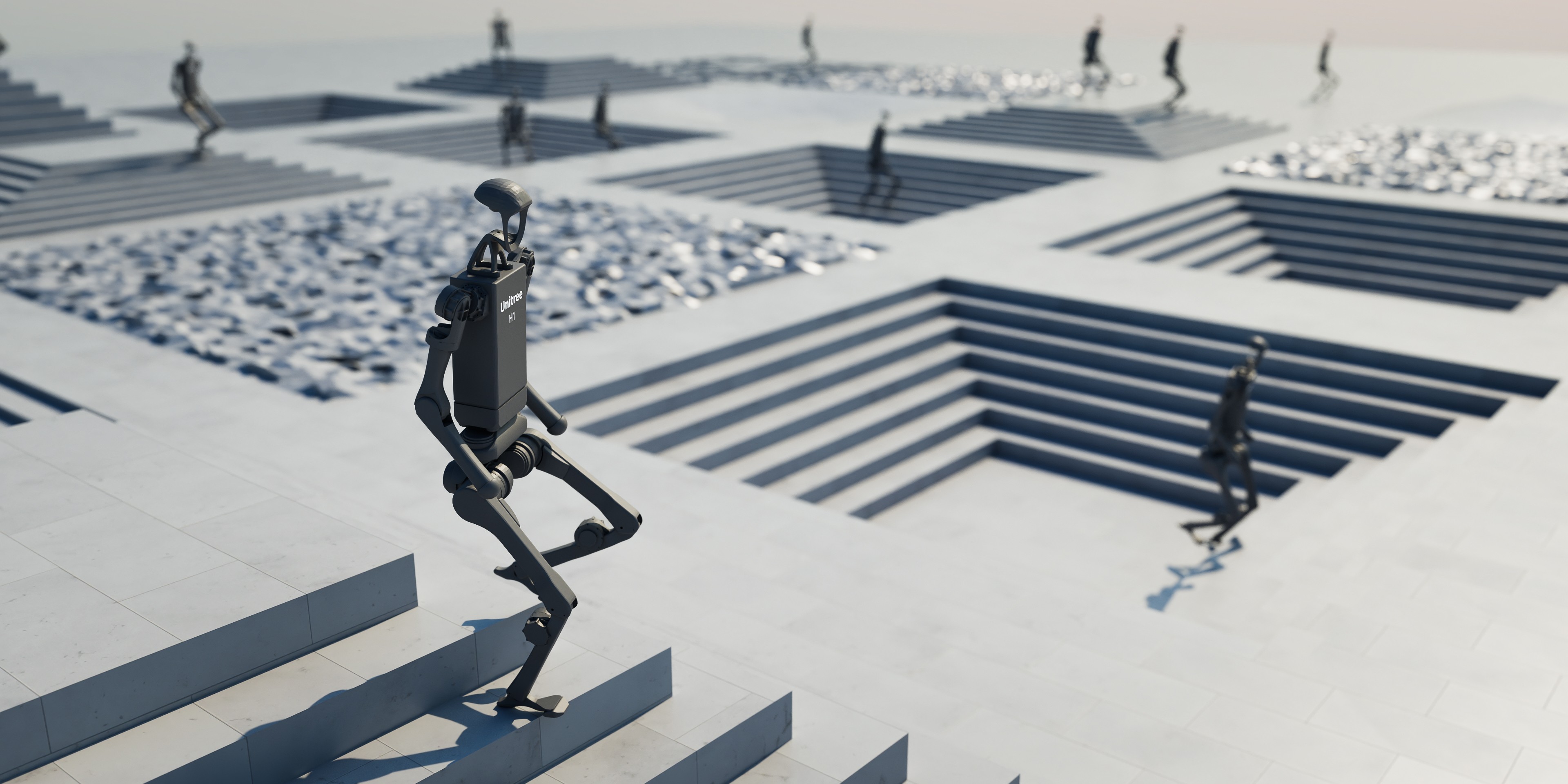
IsaacLab is NVIDIA’s GPU-accelerated robot learning simulator. You’ll use RLinf to PPO-fine-tune GR00T N1.5 or OpenPI π₀.₅ on a custom Franka cube-stacking task.
Overview#
SFT then PPO-fine-tune a VLA on the IsaacLab Franka stack-cube task.
GR00T N1.5 · π₀.₅
PPO
Franka stack-cube
1 node · 8 GPUs
run_embodiment.sh → watch env/success_once.Tasks#
Task |
Description |
|---|---|
|
Stack the red block on the blue block, then stack the green block on the red block. |
Observation and Action#
Field |
Specification |
|---|---|
Observation |
RGB from a third-person camera and a wrist camera (256×256 by default) plus robot proprioception. |
Action |
7-dim continuous action: 3D position (x, y, z) + 3D rotation (roll, pitch, yaw) + gripper. |
Reward |
Sparse 0/1 success reward. |
Prompt |
|
Installation#
First, clone the RLinf repository:
# Mainland China users can use a mirror for faster cloning:
# git clone https://ghfast.top/github.com/RLinf/RLinf.git
git clone https://github.com/RLinf/RLinf.git
cd RLinf
Then set up the dependencies with one of the two methods below — a prebuilt
Docker image (recommended) or a custom environment. The general setup
(prerequisites, GPU drivers, the in-image switch_env helper, mirrors, and
troubleshooting) is documented once in Installation;
the commands in this recipe only differ in the Docker image tag and the
--env value.
Docker image
docker run -it --rm --gpus all \
   --shm-size 32g \
   --network host \
   --name rlinf \
   -v .:/workspace/RLinf \
   rlinf/rlinf:agentic-rlinf0.3-isaaclab

# For mainland China users:
# docker.1ms.run/rlinf/rlinf:agentic-rlinf0.3-isaaclab
Switch to the matching virtual environment inside the image:
# GR00T N1.5
source switch_env gr00t

# OpenPI π₀.₅
# source switch_env openpi
Custom environment
Install the environment for the model you want to run:
# Mainland China users can add --use-mirror.

# GR00T N1.5
bash requirements/install.sh embodied --model gr00t --env isaaclab
source .venv/bin/activate

# OpenPI π₀.₅
# bash requirements/install.sh embodied --model openpi --env isaaclab
# source .venv/bin/activate
Download Isaac Sim#
Download Isaac Sim 5.1.0 and initialize its shell environment:
mkdir -p isaac_sim
cd isaac_sim
wget https://download.isaacsim.omniverse.nvidia.com/isaac-sim-standalone-5.1.0-linux-x86_64.zip
unzip isaac-sim-standalone-5.1.0-linux-x86_64.zip
rm isaac-sim-standalone-5.1.0-linux-x86_64.zip
source ./setup_conda_env.sh
Warning
Run source ./setup_conda_env.sh in every new terminal before launching IsaacLab.
Download the Model#
Download the checkpoint for the model you plan to fine-tune.
GR00T N1.5
cd /path/to/save/model

git lfs install
git clone https://huggingface.co/RLinf/RLinf-Gr00t-SFT-Stack-cube

# Or use huggingface-hub:
# export HF_ENDPOINT=https://hf-mirror.com
pip install huggingface-hub
hf download RLinf/RLinf-Gr00t-SFT-Stack-cube --local-dir RLinf-Gr00t-SFT-Stack-cube
OpenPI π₀.₅
cd /path/to/save/model

git lfs install
git clone https://huggingface.co/YifWRobotics/RLinf-pi05-SFT-Stack-cube

# Or use huggingface-hub:
# export HF_ENDPOINT=https://hf-mirror.com
pip install huggingface-hub
hf download YifWRobotics/RLinf-pi05-SFT-Stack-cube --local-dir RLinf-pi05-SFT-Stack-cube
After downloading, point your config YAML at the checkpoint — set the same path for both the rollout and the actor model:
rollout:
   model:
      model_path: /path/to/downloaded-checkpoint
actor:
   model:
      model_path: /path/to/downloaded-checkpoint
The SFT checkpoints come from human demonstrations collected on the IsaacLab stack-cube
task. The dataset is available on  IsaacLab-Stack-Cube-Data.
Run It#
Pick one config and launch training:
Model |
Config |
Command suffix |
|---|---|---|
GR00T N1.5 |
|
|
OpenPI π₀.₅ |
|
|
# GR00T N1.5
bash examples/embodiment/run_embodiment.sh isaaclab_franka_stack_cube_ppo_gr00t

# OpenPI π₀.₅
bash examples/embodiment/run_embodiment.sh isaaclab_franka_stack_cube_ppo_openpi_pi05
What this does:
Starts the embodied training entrypoint with the selected Hydra config.
Creates Ray workers for the actor, rollout, and IsaacLab env components.
Runs PPO rollouts, computes sparse task rewards, and updates the VLA policy.
For standalone evaluation, use the unified Evaluation CLI with config fallback and the same suffixes:
isaaclab_franka_stack_cube_ppo_gr00t and
isaaclab_franka_stack_cube_ppo_openpi_pi05.
Note
For GR00T, the default config separates env, rollout, and actor placement. For OpenPI,
the default config collocates actor,env,rollout: all. Tune
cluster.component_placement, rollout.pipeline_stage_num, and
actor.enable_offload for your GPU memory budget.
Note
To add a custom IsaacLab task, implement it under
rlinf/envs/isaaclab/tasks/, register it in rlinf/envs/isaaclab/__init__.py,
then point init_params.id in an env config such as
examples/embodiment/config/env/isaaclab_stack_cube.yaml at the new task id.
Visualization and Results#
Launch TensorBoard from the RLinf repo root:
tensorboard --logdir ../results --port 6006
The key signal is env/success_once. For every logged metric, see
Training metrics.
Enable video in the env config when you want rollout videos:
video_cfg:
  save_video: True
  info_on_video: True
  video_base_dir: ${runner.logger.log_path}/video/train
Enable W&B or SwanLab by adding logger backends:
runner:
  logger:
    logger_backends: ["tensorboard", "wandb"]  # or swanlab
Model Stage |
Success Rate |
|---|---|
GR00T N1.5 base model (no SFT) |
0.000 |
GR00T N1.5 SFT model |
0.654 |
GR00T N1.5 RL-tuned model (SFT + RL) |
0.897 |
OpenPI π₀.₅ SFT model |
0.859 |
OpenPI π₀.₅ RL-tuned model (SFT + RL) |
0.953 |
Acknowledgements#
Credit to Minghui Xu and Nan Yang for the GR00T N1.5 example, and Yifan Wu for the OpenPI π₀.₅ example.