
Using Reward Model with Franka#
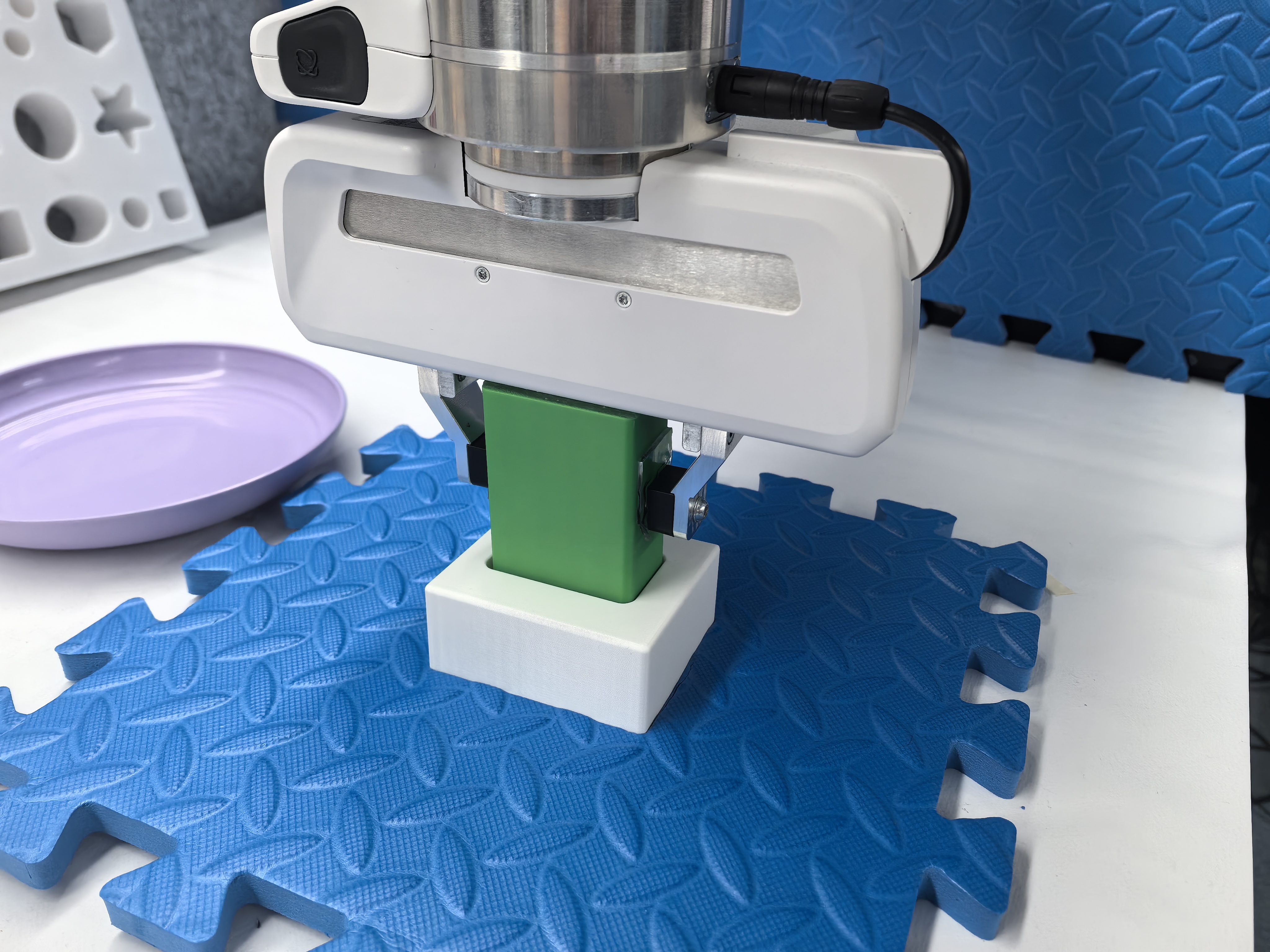
Franka reward-model workflow for collecting labeled frames and training a visual success detector.#
Add a learned visual reward model to the Franka real-world pipeline. You’ll collect labeled frames, train a ResNet reward model, and let the environment use model predictions to decide success and resets.
Overview#
Use a trained reward model as the real-world success signal for Franka tasks.
CNN policy · ResNet reward model
SAC/RLPD · reward-model inference
Charger · fixed-pose manipulation
Franka · cameras · keyboard labels
Tasks#
Task |
Config / entry point |
Description |
|---|---|---|
Keyboard labels |
|
Label success/failure frames during live teleoperation. |
Fixed pose labels |
|
Use target-pose reachability to generate reward-model data. |
RL with reward model |
|
Use reward-model success predictions in the Franka env. |
Observation and Action#
Field |
Description |
|---|---|
Observation |
Camera frames used by both policy and reward model. |
Action |
Same Franka Cartesian action as the base real-world env. |
Reward |
Reward-model success/failure prediction replaces the hand-coded success signal. |
Prompt |
Task-specific env text or fixed target pose, depending on config. |
Installation#
Follow all steps in the Real-World RL document up to and including Data Collection (i.e., everything before the “Running the Experiment” section).
Data Collection#
Two types of data need to be collected: (1) expert trajectories for the demo buffer, and (2) reward model training/evaluation data.
Expert Trajectory Data Collection#
Expert trajectory data is collected first and stored in the demo buffer during training.
Follow the steps in the Data Collection section under Running the Experiment in
Real-World RL. Make sure that in examples/embodiment/config/realworld_collect_data.yaml,
data_collection under the env section is enabled:
env:
  data_collection:
    enabled: True
    save_dir: ${runner.logger.log_path}/collected_data
    export_format: "pickle"
    only_success: True
Reward Model Dataset Collection#
Collecting reward model training and evaluation data supports two approaches. For full details, see the Data Collection section in Reward Model Guide. The core difference lies in the labeling method: Approach 1 uses manual keyboard labeling and is task-agnostic; Approach 2 uses pose-based automatic labeling and is designed for tasks with a fixed target pose.
Approach 1: Keyboard Labeling (General-Purpose)#
This approach manually labels each frame during a live episode via keyboard keys. It is task-agnostic and works for any manipulation task. It combines data collection, labeling, and dataset generation into one end-to-end run with no separate offline preprocessing.
Key configuration:
runner.num_success_frames/runner.num_fail_frames— target numbers of frames; collection stops when both thresholds are reached.runner.val_split— fraction of labeled frames held out for validation.runner.fail_success_ratio— fail-frame downsampling ratio during training-set post-processing.env.eval.keyboard_reward_wrapper— set tosingle_stageto enable the keyboard interface.env.eval.use_spacemouse— whether SpaceMouse is used for teleoperation.env.eval.override_cfg.target_ee_pose— the target end-effector pose for the task.
Launching:
bash examples/reward/realworld_collect_process_dataset.sh realworld_collect_dataset
Key bindings:
c— label the current frame as success.a— label the current frame as fail.
Once the target frame counts are reached, the script automatically stops, splits the data,
and saves train.pt / val.pt. See Approach 1 in
Reward Model Guide for full configuration details.
Approach 2: Fixed-Pose (Target-Driven)#
This approach is designed for tasks with a fixed target pose. No manual keyboard
labeling is required — the episode automatically drives success/failure based on whether
the robot reaches the configured target_ee_pose. success_hold_steps can be set to
require the robot to maintain the pose for a number of steps before declaring success,
which helps collect more diverse successful samples. It uses a streamlined two-step pipeline.
Step 1: Fixed-Pose Reward Data Collection
On top of the expert trajectory collection, increase the success_hold_steps field:
env:
  eval:
    override_cfg:
      success_hold_steps: 20
Collection tips:
Move the robot arm slowly to obtain more diverse failure samples.
When reaching the target pose, make small-range movements while maintaining the pose to obtain more diverse successful samples.
Step 2: Preprocessing into a Reward Dataset
Run preprocess_reward_dataset.py to convert .pkl episodes into .pt files.
It is recommended to set fail-success-ratio to 3:
python examples/reward/preprocess_reward_dataset.py \
    --raw-data-path logs/xxx/collected_data \
    --output-dir logs/xxx/processed_reward_data \
    --fail-success-ratio 3
The resulting .pt files follow the RewardDatasetPayload schema, containing
images, labels (1 = success, 0 = fail), and metadata.
See Approach 2 in Reward Model Guide for the full example.
Reward Model Training#
This step is identical to Section 2 — Reward Model Training in Reward Model Guide.
In particular, for real-world scenarios, it is recommended to lower the min_delta of early_stop, for example:
runner:
  early_stop:
    min_delta: 1e-6
For real-world teleoperation with live reward model inference (SpaceMouse + GPU node, no RL loop), see Real-World Teleoperation with Live Reward Inference in Reward Model Guide.
Cluster Setup#
This step is identical to the Cluster Configuration section under Running the Experiment in Real-World RL.
Configuration File#
This step is identical to the Configuration File section under Running the Experiment in Real-World RL, applied to examples/embodiment/config/realworld_charger_sac_cnn_async_standalone_reward.yaml.
In addition, enable the reward model parameters under the reward section:
reward:
  use_reward_model: True
  group_name: "RewardGroup"
  standalone_realworld: True
  reward_mode: "per_step"
  reward_threshold: 0.8

  model:
    model_path: /path/to/reward_model_checkpoint
    model_type: "resnet"
Where:
reward_modecontrols whether the reward model runs inference at every step or only on terminal frames.standalone_realworlduses the reward model to directly determine task success and trigger environment resets.reward_thresholdapplies threshold filtering on the success probability output by the reward model; values below the threshold are set to0.model_pathpoints to the reward model checkpoint used for online inference.
Run It#
Once training begins, the reward model directly judges task success/failure based on image observations and drives environment resets. The remaining steps follow the Running the Experiment section of Real-World RL.
Worker Interaction During Rollout#
Unlike Section 3.2 — Worker Interaction During Rollout and Section 3.3 — Final Reward Computation in Reward Model Guide:
in real-world systems with standalone_realworld enabled, the reward model does not combine env rewards with reward model outputs.
In other words, the reward model does not act as an additional reward source inside the env worker when constructing the final reward,
because the system bypasses the weighted sum of env_reward and reward_model_output entirely.
Therefore, reward_mode, reward_weight, and env_reward_weight all have no effect.
The final reward is generated directly by FrankaEnv based on the reward model’s success/failure determination.
From a system perspective, the actual behavior in the real-world system can be understood as:
directly replacing the env_reward inside the env worker, re-using the original env_reward logic to assign rewards and trigger environment resets, thereby fundamentally integrating the reward model.